
Service

Network installation and infrastructure for care homes.

The cabling, switching, internet connection and access points that everything else depends on — installed neatly, labelled properly, tested thoroughly and documented so the network can be supported for years.

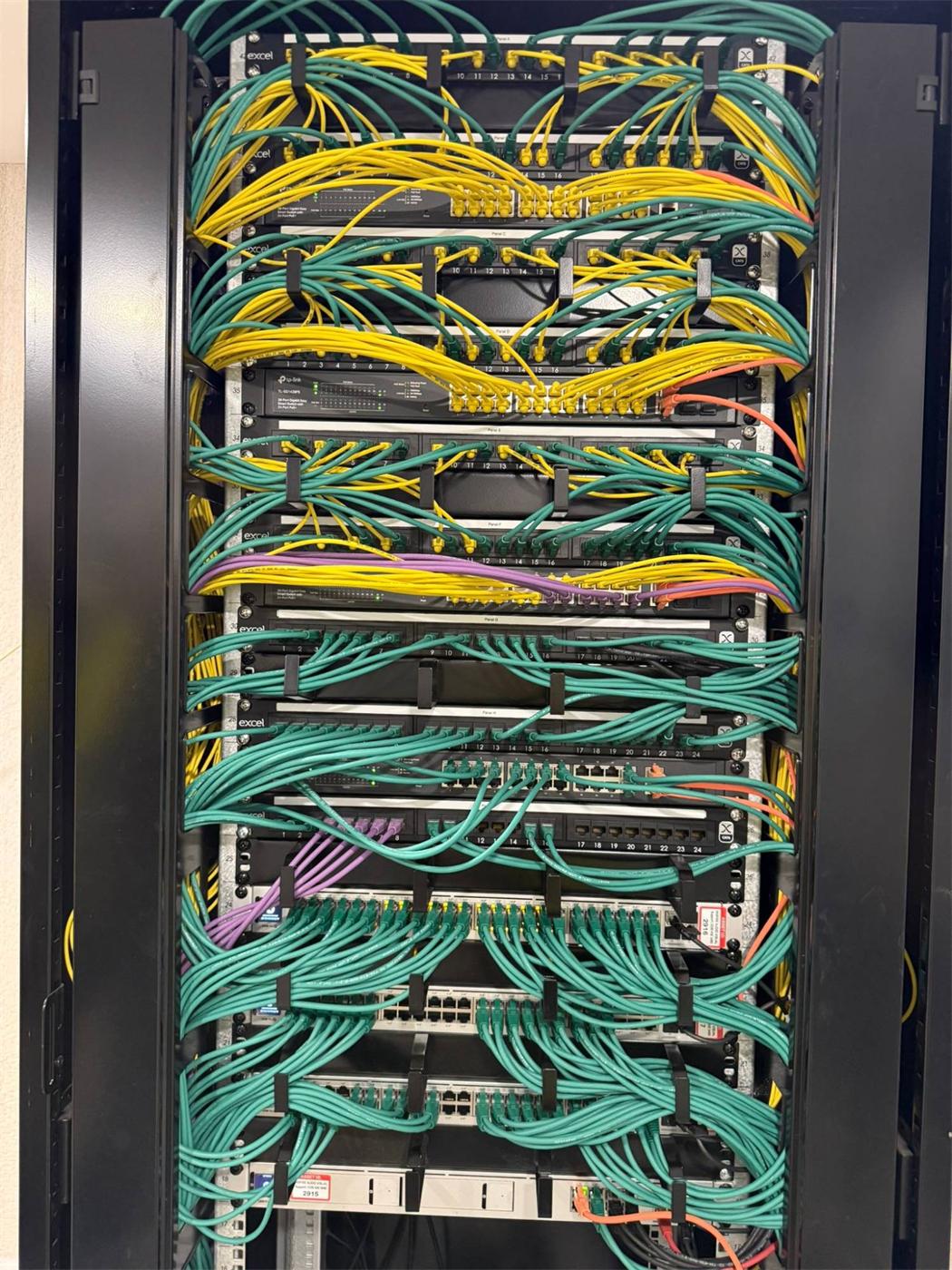
Comms cabinet with colour-coded patch leads dressed through cable managers between patch panels and PoE switches

What we install

The complete physical network.

  • Internet connection & backup

    Fibre as the primary supply, coordinated with the provider. Where specified, a Starlink or 5G backup connects to the router and firewall, which can be configured to fail over automatically.

  • Comms cabinet & core switching

    Cabinets, patch panels and PoE switching sized for the device count, with power protection and space to grow.

  • Fibre backbone

    Fibre links between the comms room and floor or wing cabinets in larger buildings, so distance never limits performance.

  • Structured cabling

    Data cabling to access points, staff areas and building systems — installed by us or by the site electrician to our schedule, and tested before handover.

  • Wireless access points

    Positioned for coverage and capacity, and placed to look considered in residents' rooms, corridors and lounges.

  • Configuration

    Network segments, security policies, priority for care systems and guest isolation, configured and recorded.

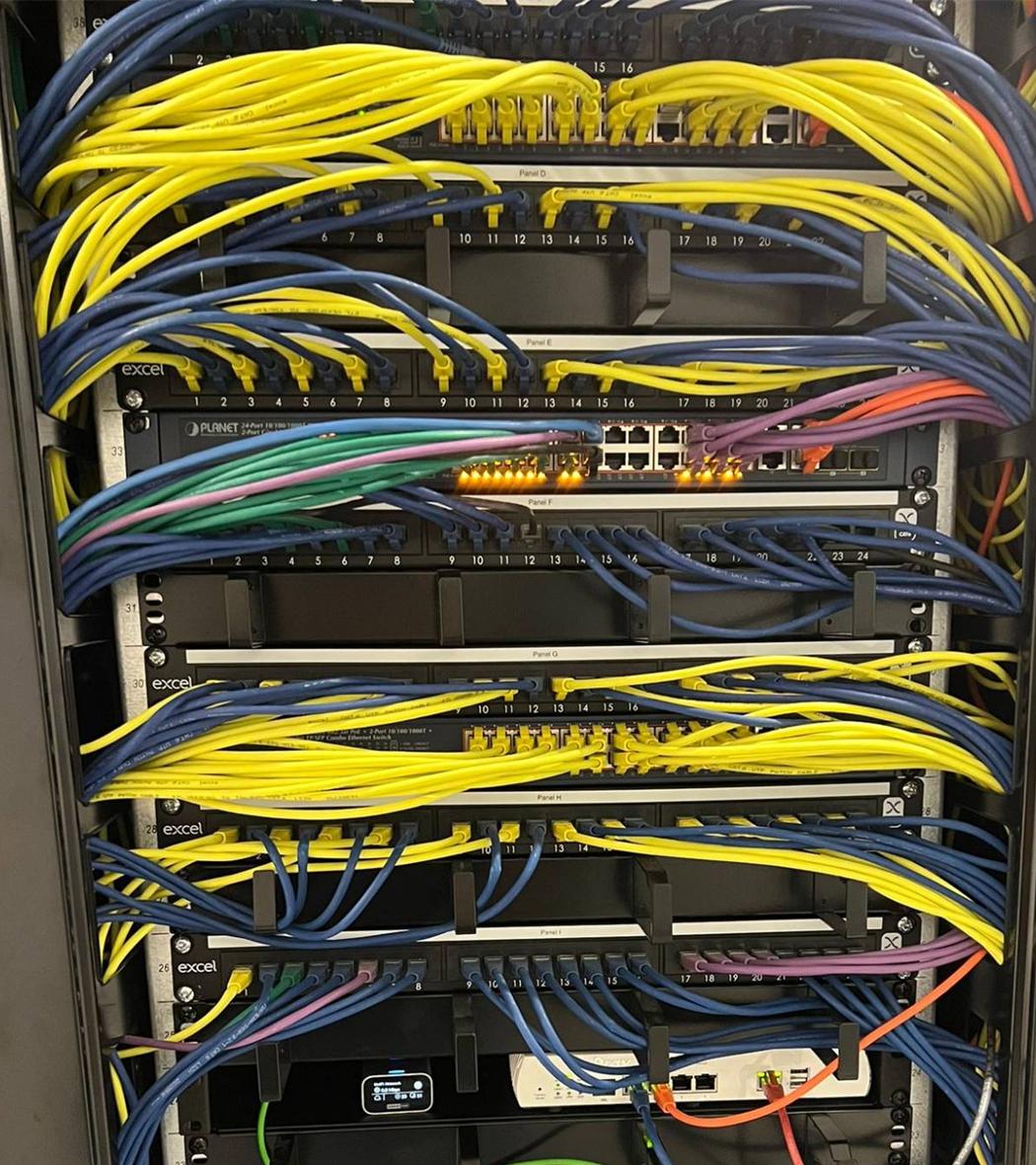
Labelled patch panels, PoE switching and gateway in a care home comms cabinet

Standards of work

Installed to be supported, not just switched on.

A network that works on day one but can't be understood on day 500 isn't finished. We install every job as if we'll be the ones supporting it — because often we are.

  • Every cable and patch lead labelled at both ends
  • Tidy, documented cabinets with power and cooling considered
  • Cable testing before active equipment is connected
  • Coverage, roaming and failover checks before handover
  • As-built records of equipment, configuration and data points

On construction sites

Working to the programme

We coordinate with the main contractor and other trades, install in the windows the programme allows, and keep the on-site phase short by settling the design early. New builds

In occupied homes

Working around residents

We phase installation area by area, agree access to residents' rooms with the manager, and keep the existing network running until each new section is tested. Existing homes

Case study · New build

LNT Care Developments

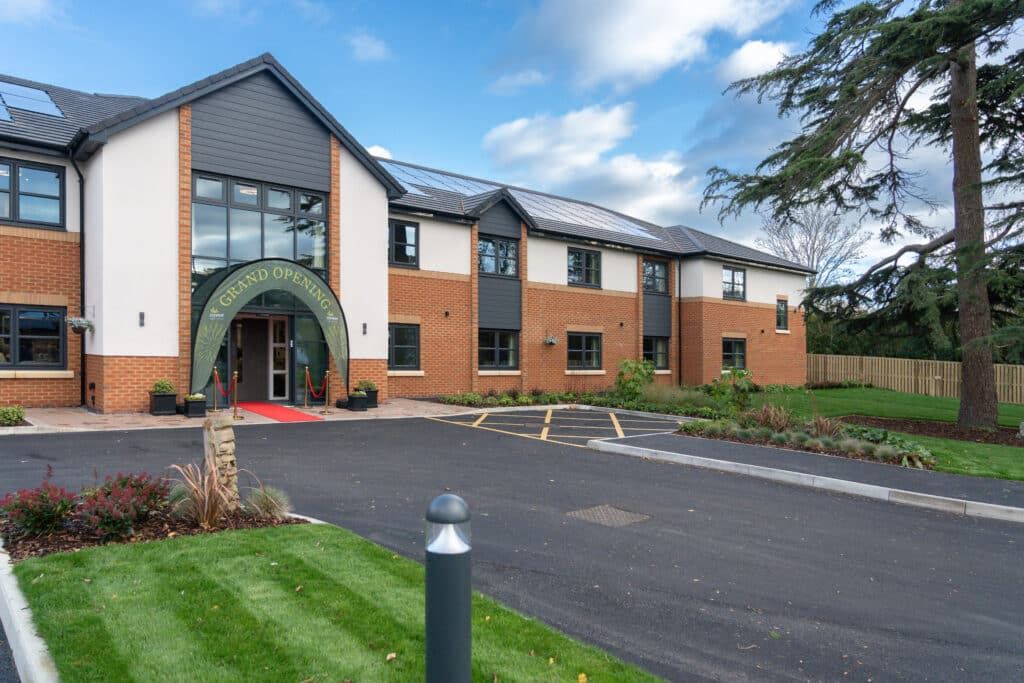
A standard installation repeated across new-build homes, with cabling installed and tested by the site electrician to our schedule before we commission the active network.

Example home
Bradshaw Lodge, 66 bedrooms
Wireless
28 × UniFi WiFi 7 access points
Active network install & commissioning
1 working day, 2 engineers
Read the LNT Care Developments case study

Questions

Installation questions

What equipment do you install?

Typically the comms cabinet, patching, core and edge switching with PoE, the router and firewall with failover to a backup connection, a fibre backbone where the building needs it, and the wireless access points. We can also install the structured cabling, or work with the site electrician who installs it to our schedule.

Which manufacturers do you use?

We specify equipment to suit the building and the operator's needs. Recent new-build homes on the LNT programme use UniFi WiFi 7 access points on a fibre backbone.

How do you test the network before handover?

Cabling is tested before the active equipment is connected. Once configured, we check coverage and roaming across the building, confirm each network segment behaves as designed, and test failover by taking the primary connection down.

Need the network installed properly?

Tell us about the building and the timescale, and we'll scope the installation.